
Mechanic Legends Driving Controls: Spawn and Drive Cars
Last updated:
Choose an owned car from Your Garage, bring it out with Drive, and use the desktop controls to explore Los Archilis.
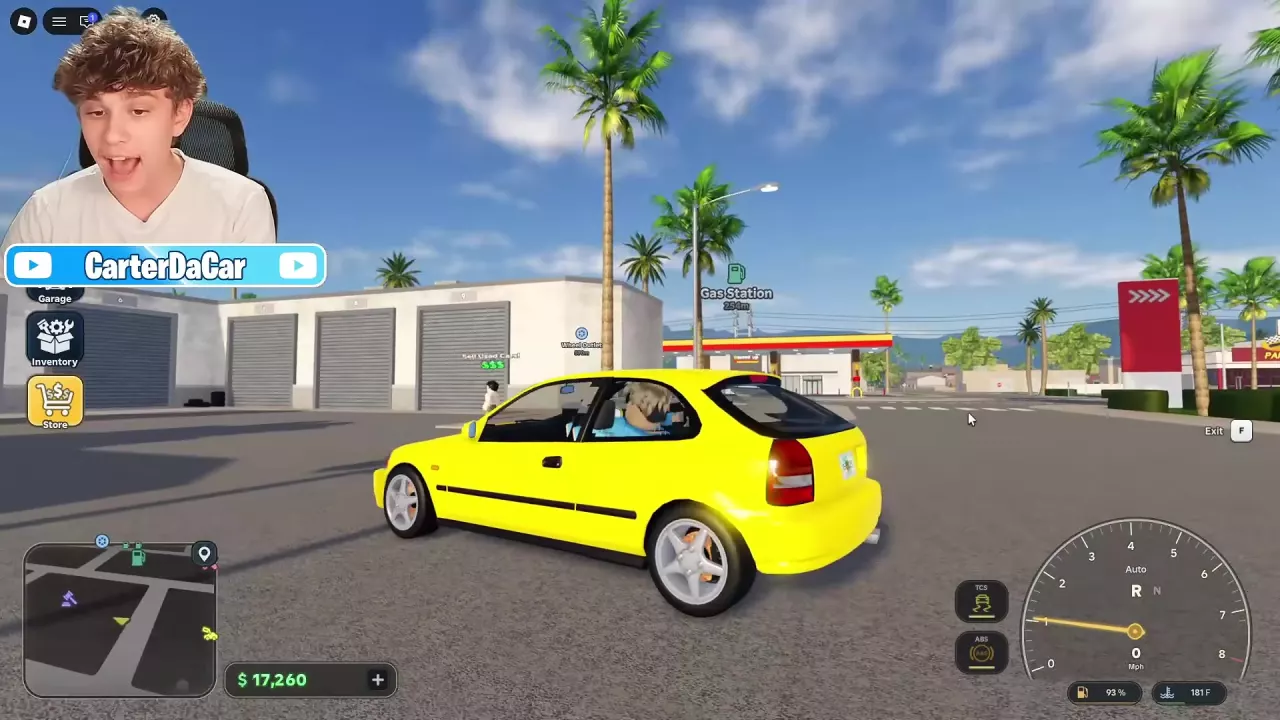
Open Garage, search for or select an owned car, and choose Drive. On desktop, use W and S for throttle and braking, A and D to steer, Space for the handbrake, M to change transmission mode, and F to exit. Use Despawn in Your Garage to remove the active car. Refuel at a gas station; a damaged car can be driven back if it still starts and moves.
Find and Spawn an Owned Car
- Open Garage and browse or search your owned vehicles.
- Select a car to see its Condition and Est. Value. The estimate applies to the selected car.
- Choose Drive to spawn it for driving.
Desktop Driving Controls
Once seated in the car, use these desktop controls:
| Key | Action |
|---|---|
| W | Throttle |
| S | Brake |
| A / D | Steer left / right |
| Space | Handbrake |
| M | Switch transmission mode |
| F | Exit the vehicle |
The driving interface also displays your speed and fuel level.
Despawn and Choose Another Car
Open Your Garage and choose Despawn to remove the active car. To drive a different owned car, select it in the list and choose Drive.
Fuel and Damaged Cars
Watch the fuel display while driving and visit a gas station to refuel. See the Los Archilis facilities guide for help recognizing destinations.
Some damaged cars can still be driven from the Junkyard toward the Workshop if they can start and move. A 1998 Avelin C4 Wagon with an engine limp mode warning could make the trip despite worn engine parts, and a damaged Nisho Z630 remained drivable while needing an engine component. The faults still need attention; use the engine problems guide to address warning messages and missing parts.
Traction Control and Sliding
Disabling traction control can make a car easier to slide. This applies to a 1974 Ferrucna Taurino with Stage 1 tuning and to a modified 2019 Avelin B10 with twin turbos and Stage 2 tuning. See the tuning guide for those builds.